Integrating Postmark To Send Transactional Email Notifications
Written By Stefan S.
Last updated 9 months ago

PayKickstart offers vendors the ability to integrate transactional email notifications with Postmark to use their own email services and deliver email notifications via their own domains.
To integrate with Postmark to deliver transactional email notifications, please follow the steps below:
IMPORTANT NOTE:
PayKickstart cannot guarantee the deliverability of all email notifications outside of our email servers. Vendors would need to monitor email delivery via their email host.
Due to the complexity of the various SMTP platforms on the web, PayKickstart is only able to offer minimal support with 3rd party SMTP connections. If integration connection issues occur, it is best to contact your Email host provider.
Step 1: Add Your Sender Signature in Postmark
Step 1: Add Your Sender Signature in Postmark
In your Postmark account, access the Sender Signatures section at: https://account.postmarkapp.com/signature_domains
Then add your Sender Signature.

Step 2: Set Up Webhooks and API Token in Postmark
Step 2: Set Up Webhooks and API Token in Postmark
Access the Servers section in your Postmark account at: https://account.postmarkapp.com/servers
Then choose the Create Server option.
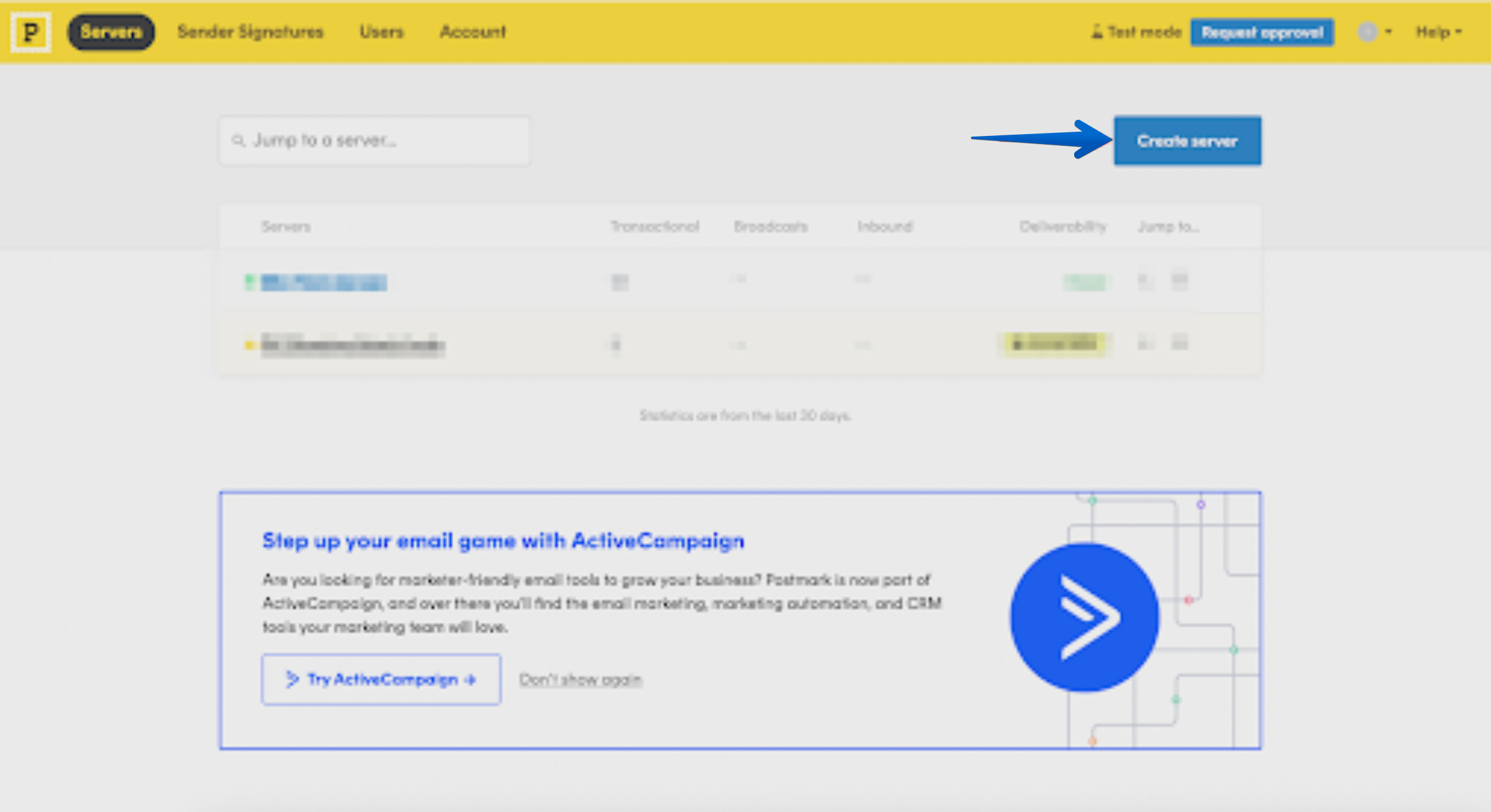
Once your server is created, take the following path:
Servers > Server Name > Default Transactional Stream > Webhooks
Once in the Webhooks section, click on the Add Webhook option.
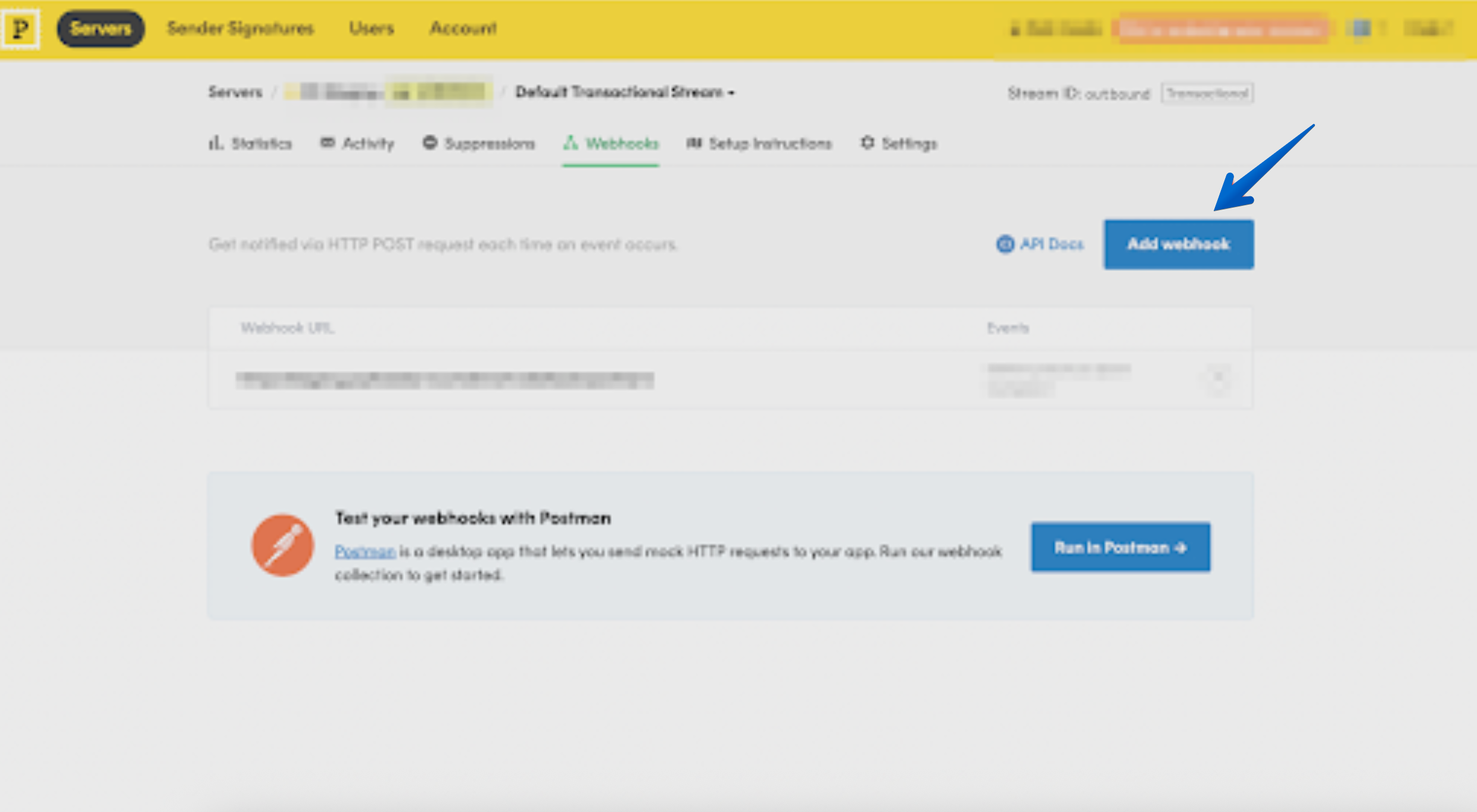
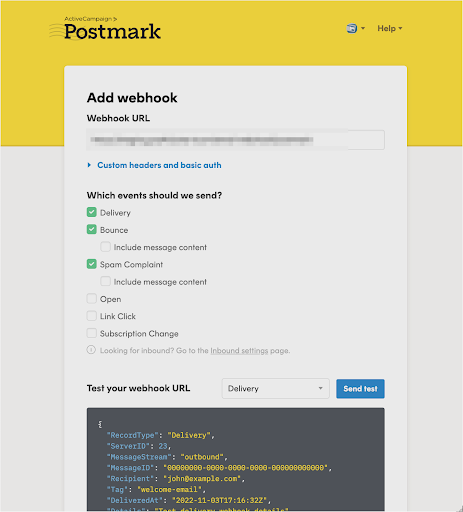
Use the following Webhook URL: https://app.paykickstart.com/email-webhook/postmark
In the field “Which events should we send?” please choose the following options:
Delivery
Bounce
and Spam Complaint
Then, take the following path in Postmark:
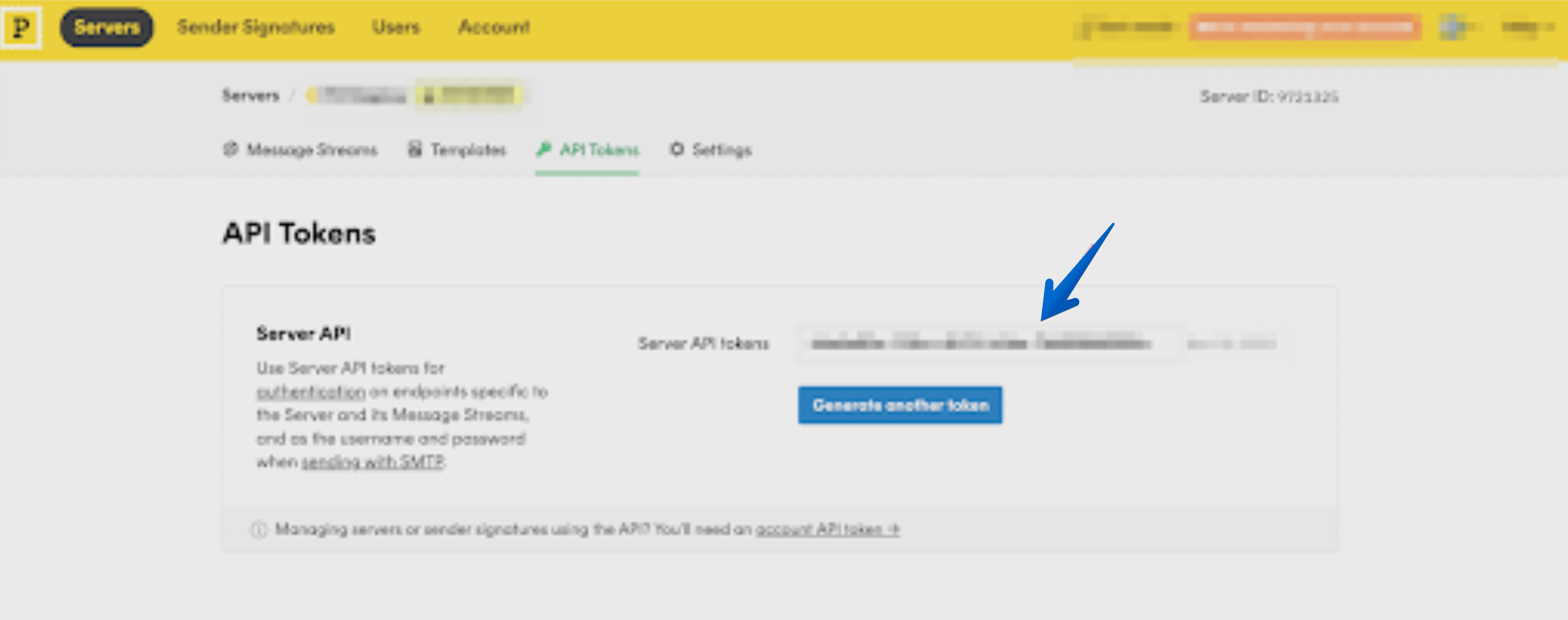
Servers > Server Name > API Tokens
In the API Tokens section, copy your Server API Token
Step 3: Connect Postmark on the Main Integrations Page
Step 3: Connect Postmark on the Main Integrations Page
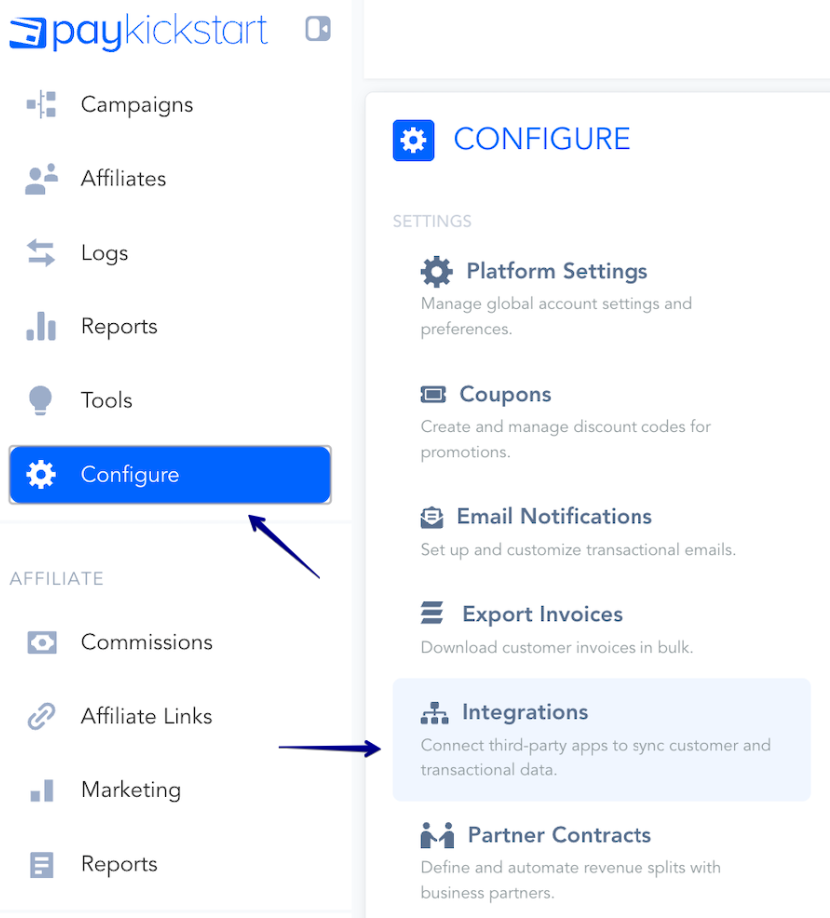
In your PayKickstart account, go to the integrations section in the Configure menu.
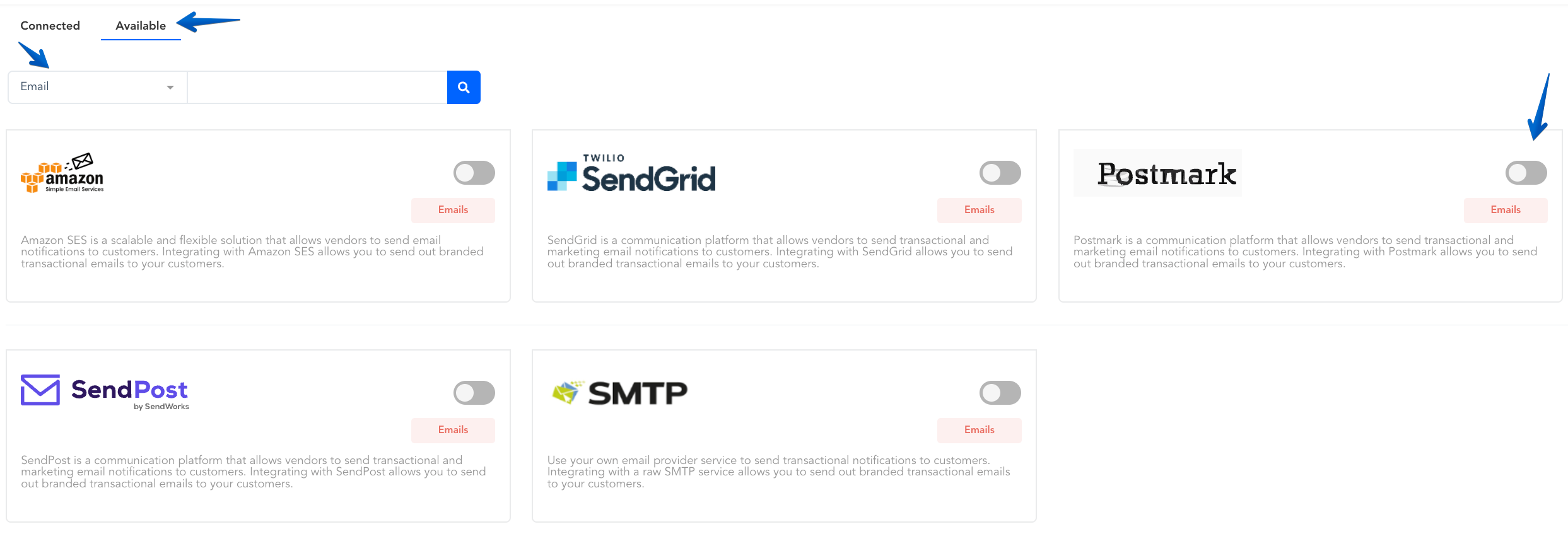
In the integrations section, select “Email” then select “Postmark” or use the search bar and type in Postmark.
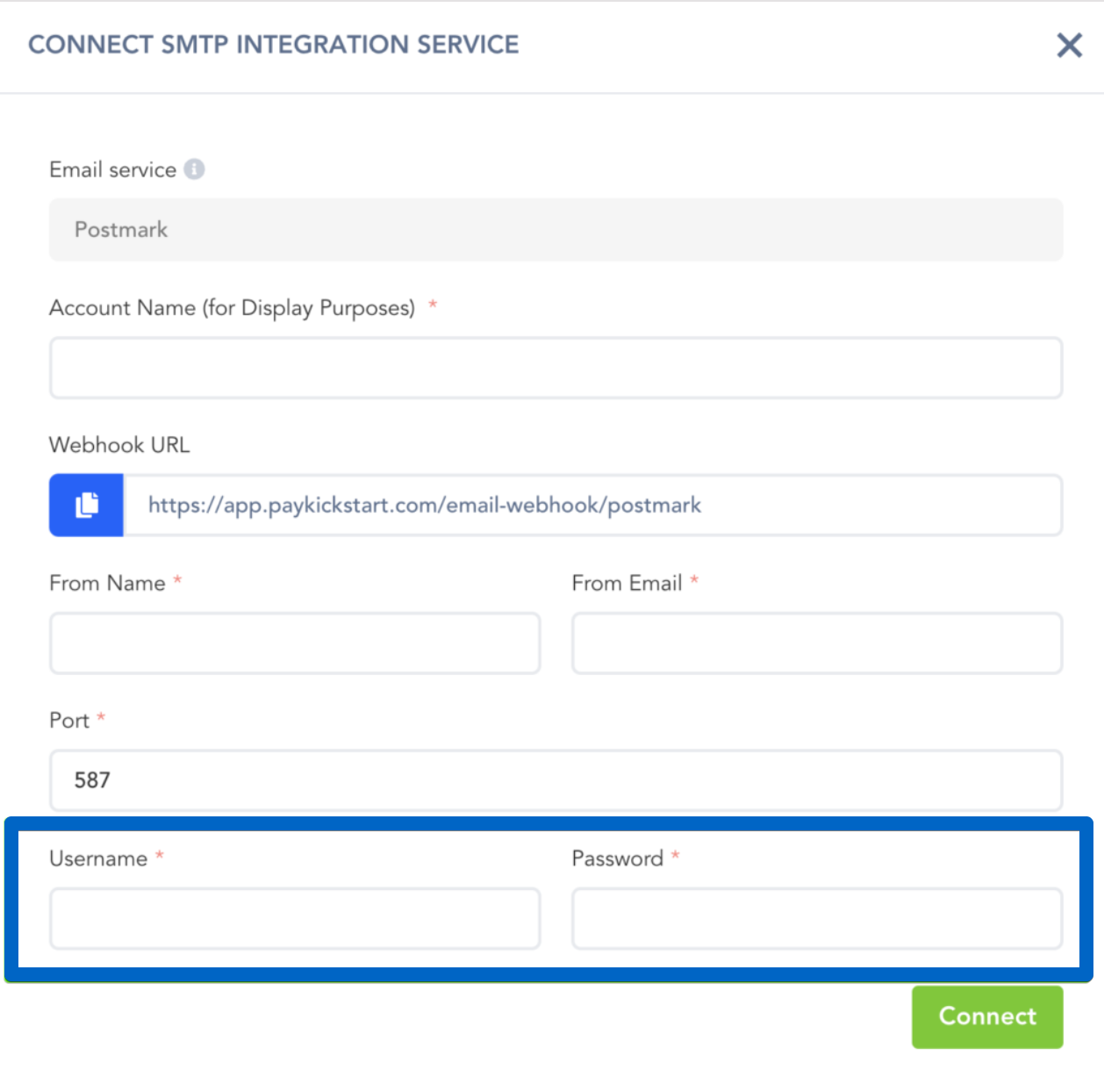
Enter the details that will be used for your integration, such as your From Name and From Email.
In both the Username and Password fields, paste the API Token from Postmark.
Once all details are entered, click on Connect to integrate your Postmark account.
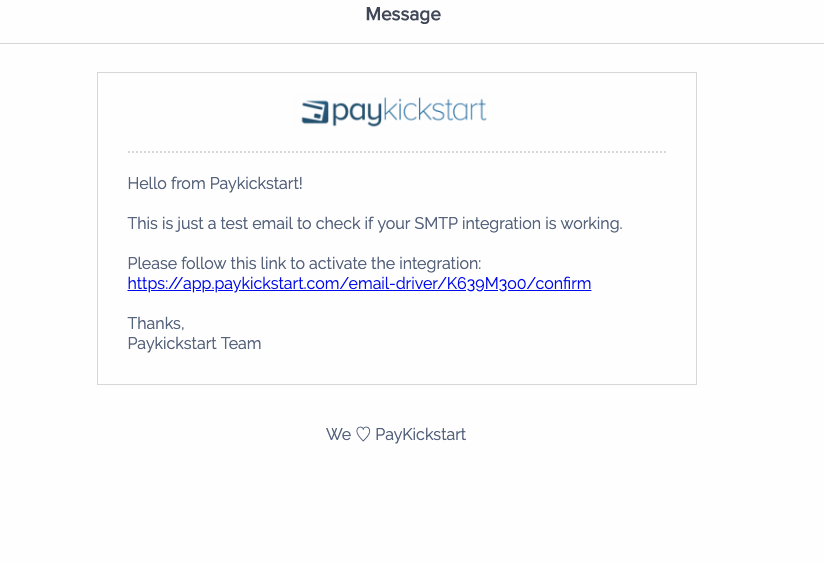
After connecting the SMTP integration, you will receive an email via the FROM email address used to verify and activate the integration at the platform level.
Step 4: Select Postmark as the Email/SMTP Service in your Campaign Settings
Step 4: Select Postmark as the Email/SMTP Service in your Campaign Settings
After integrating at the platform level with Postmark, you can go to the specific campaign you want to use SMTP notification delivery with and enable the SMTP feature in the campaign settings.

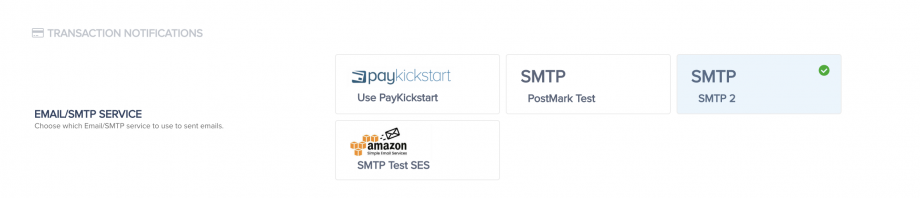
Once enabled and saved on the campaign level, you are now integrated to send transaction emails via Postmark for the selected campaign.
You can connect SMTP integrations with all campaigns you want to use SMTP services for delivering your transactional emails.
You can also select the SMTP service to be used for sending out emails related to your Embeddable Customer Billing Portal.
Step 5: Enabling Postmark for sending Customer Billing Portal Authorization Emails
Step 5: Enabling Postmark for sending Customer Billing Portal Authorization Emails
You can also select the Postmark service to be used for sending out emails related to your Embeddable Customer Billing Portal.
The Hosted Billing portal does not need to be switched to the 3rd party integration.
If you have any previously created Embeddable Portals, please follow these steps:
To enable your Postmark integration for the portal, navigate to
Tools → Customer Billing Portal.
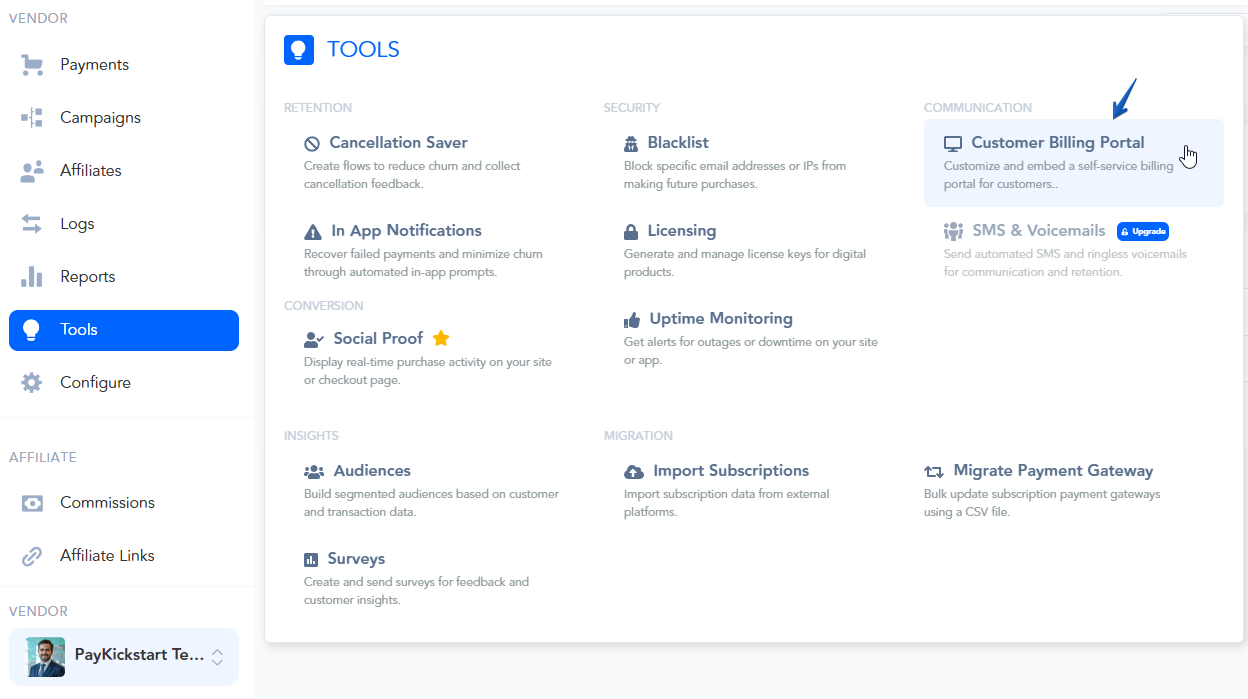
Find the Embeddable Portal you have created and click the edit icon (pencil icon).
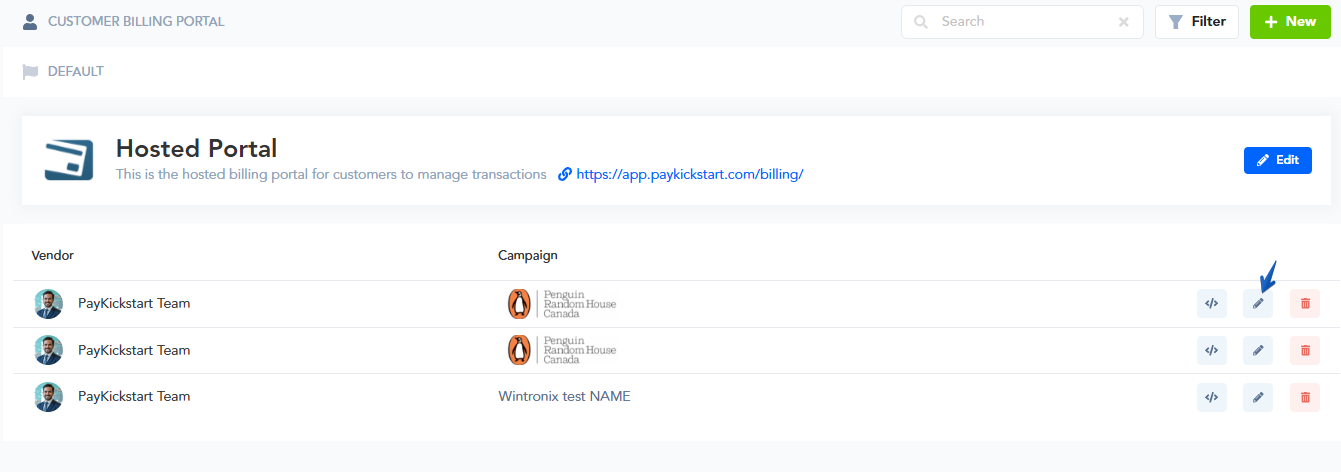
In the portal settings, select the Email SMTP Service tab and choose your Postmark integration from the dropdown menu.
Click Next Step and proceed to the final step to Save your portal settings.
Once saved, the integration will take over, and all future emails for authorizing customer access or related billing events will be sent via Postmark.
Maximizing the deliverability of your emails. (Optional)
To maximize your delivery rate of your email notifications, we strongly recommend you set up Domain, SPF & DKIM verification. Below are some useful resources to help you with this:
What is SPF?
How to set up SPF on your server.
What is DKIM?
How to set DKIM on your server.
Helpful Tip:
MXToolBox is a great resource for monitoring the health of your domain.
SMTP Diagnostics
Blacklist Check
Free Monitoring
Was this helpful?
Still need help? Ask the team