Adding a Site to Uptime Monitoring
Written By Angela L
Last updated About 1 year ago
As a PayKickstart Vendor, you are able to monitor in real-time if your website goes down. This is critical for addressing ASAP so you minimize lost sales and angry customers not able to access their purchase.
Under the Tools navigation menu, click on Uptime Monitoring.
Then click the + Add Site icon on the right side.
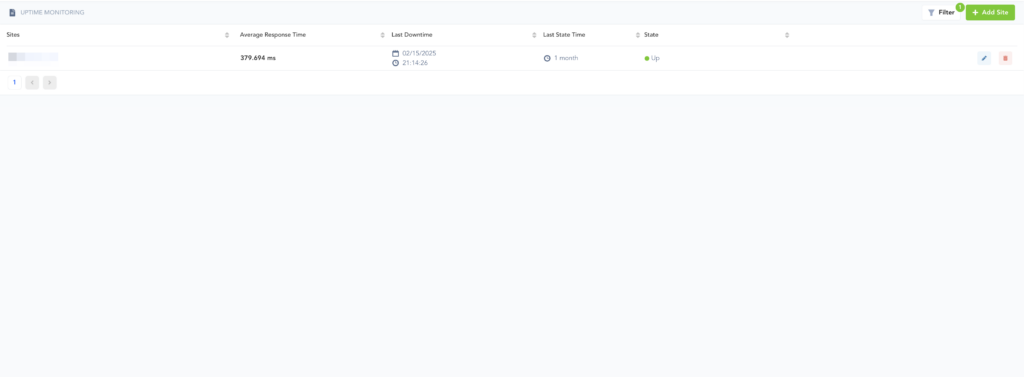
Then, enter a site name and the URL of the website. You can also have specific people or existing users notified when a site goes down, to assist in taking action to fix the issue.
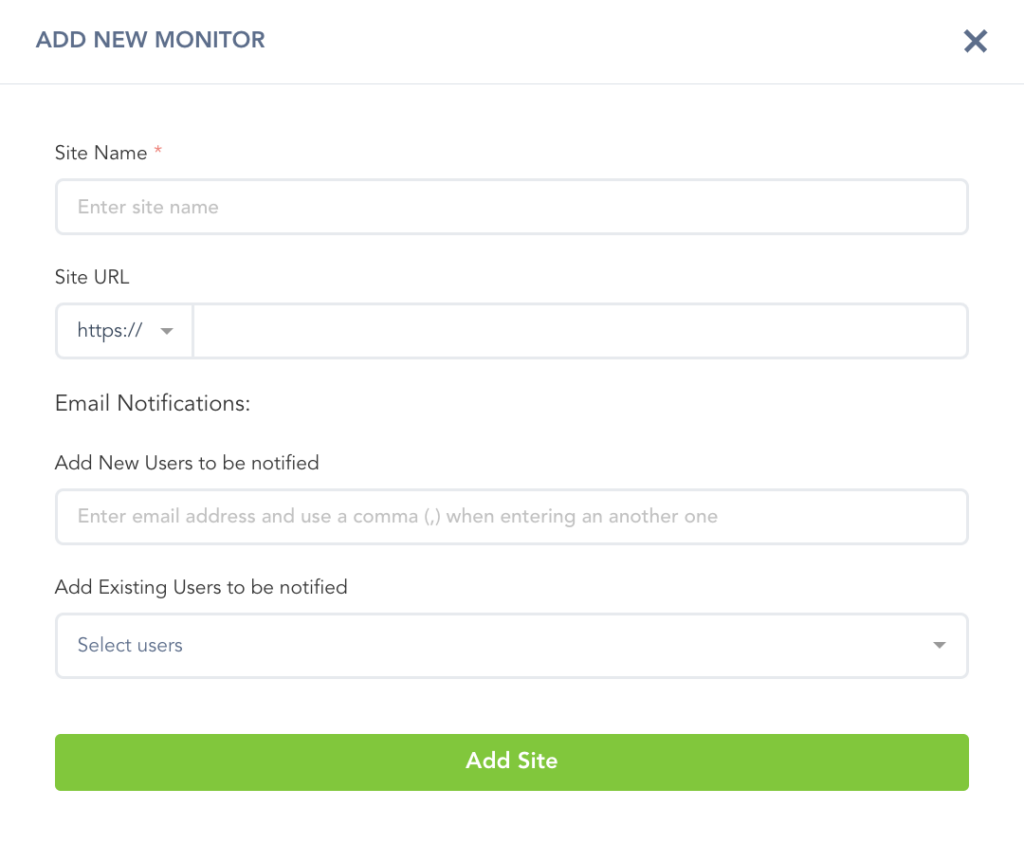
Then click Add Site and your website will be monitored 24/7. If there is any downtime, you will be immediately notified via email.
Was this helpful?
Still need help? Ask the team