How do I Block Sales from a Specific Country?
Written By Angela L
Last updated Over 1 year ago
Some vendors like to block visitors from certain countries for a variety of reasons. Maybe they don’t/can’t do business with certain countries or they have seen a high percentage of fraud.
You can block visitors by country by clicking on Configure and selecting Platform Settings.
In your Platform Settings, you can enable and select regions or countries to block by enabling the Block Sales option:

Once enabled, remove any countries you still wish to have your checkout forms available for from the list of countries.
\You can also specify a redirect URL to a page that explains why they are not able to purchase your product.
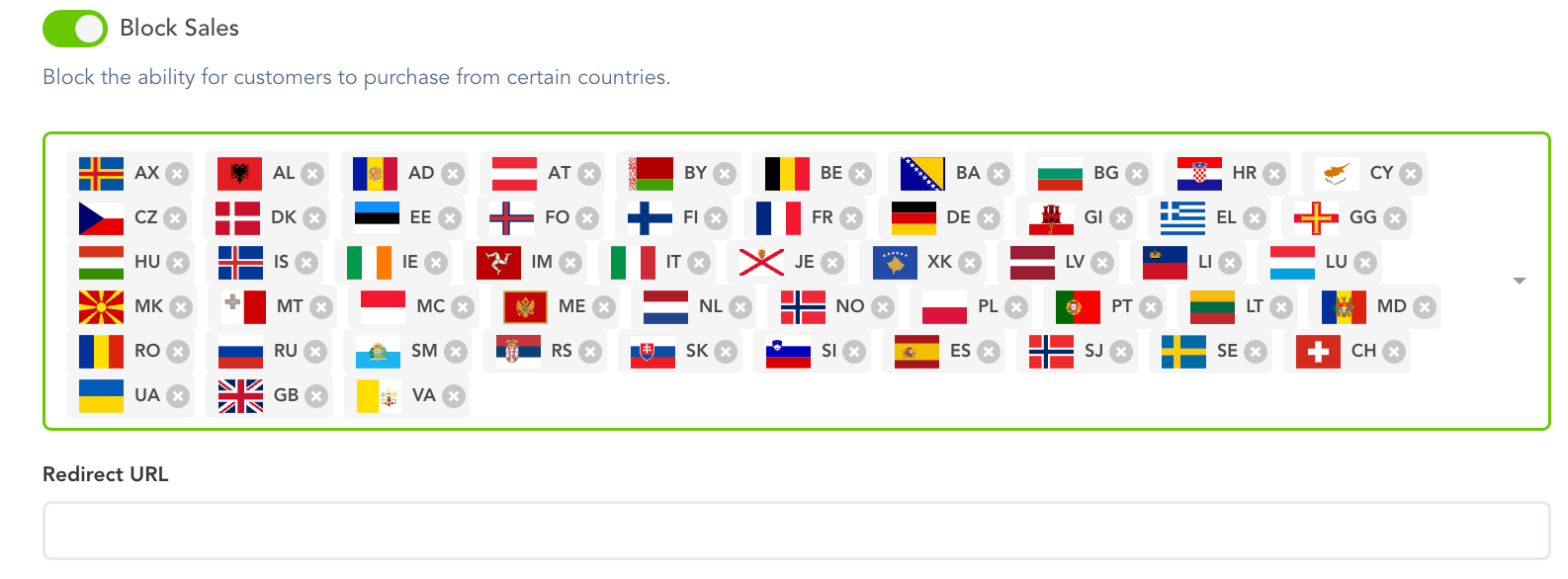
Countries that are blocked in your platform settings will not be available for customers to use on your checkouts.
Once done setting up the Block Sales option, make sure to Save your Platform settings.
Was this helpful?
Still need help? Ask the team