Integrating the PayKickstart Licensing System
Written By Carlos
Last updated 11 months ago
PayKickstart offers a built-in licensing system that will issue a license key to your customers to activate an application. This is a great way to help secure your software, ensuring that only paying customers are using your app.
Step 1: Select a Product
Step 1: Select a Product
To utilize this feature, you will need to click on Campaigns, then locate the specific Product you want to add the license system to, and click Edit.

Step 2: Activate Licensing Feature
Step 2: Activate Licensing Feature
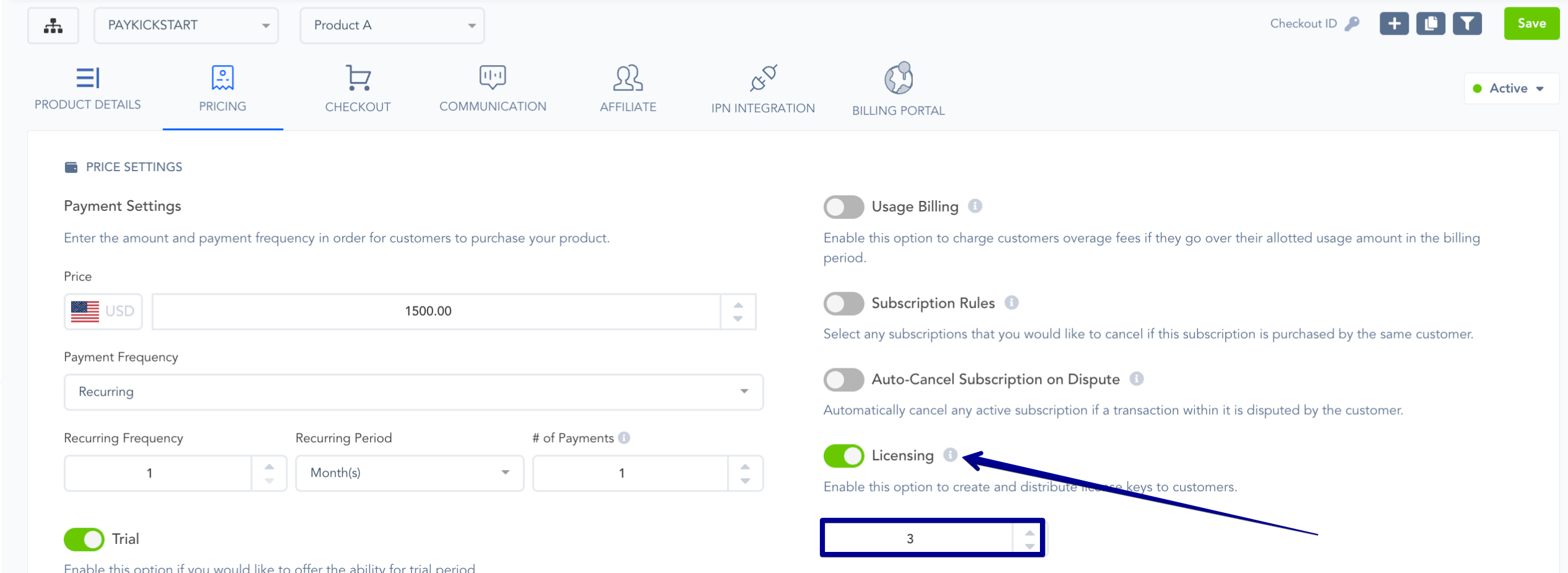
Enable Licensing and specify the number of license keys to send to the customer. For example, if you have a desktop app and want the user to be able to install/activate the software on up to 3 computers, you would issue them 3 license keys.
Step 3: Integrate PayKickstart’s Licensing System
Step 3: Integrate PayKickstart’s Licensing System
Using our API documentation, you will need to integrate our Licensing system with your software.
This will allow you to mark a license key registered upon activating your software on their computer, disable a license key(s) upon cancellation/refund, and also display a customer’s license key in a members area of your choice.
Note:
We automatically add a customer’s license key to the Default Thank You page and receipt email.
Learn more at: https://docs.paykickstart.com/#collapse-4
You can use our IPN to listen for action events related to the product to enable/disable license keys for new subscriptions, cancellations, up/downgrades, etc.: https://support.paykickstart.com/en/help/articles/5892063-using-the-product-ipn-url-field
Step 4 (optional): Override License Keys
Step 4 (optional): Override License Keys
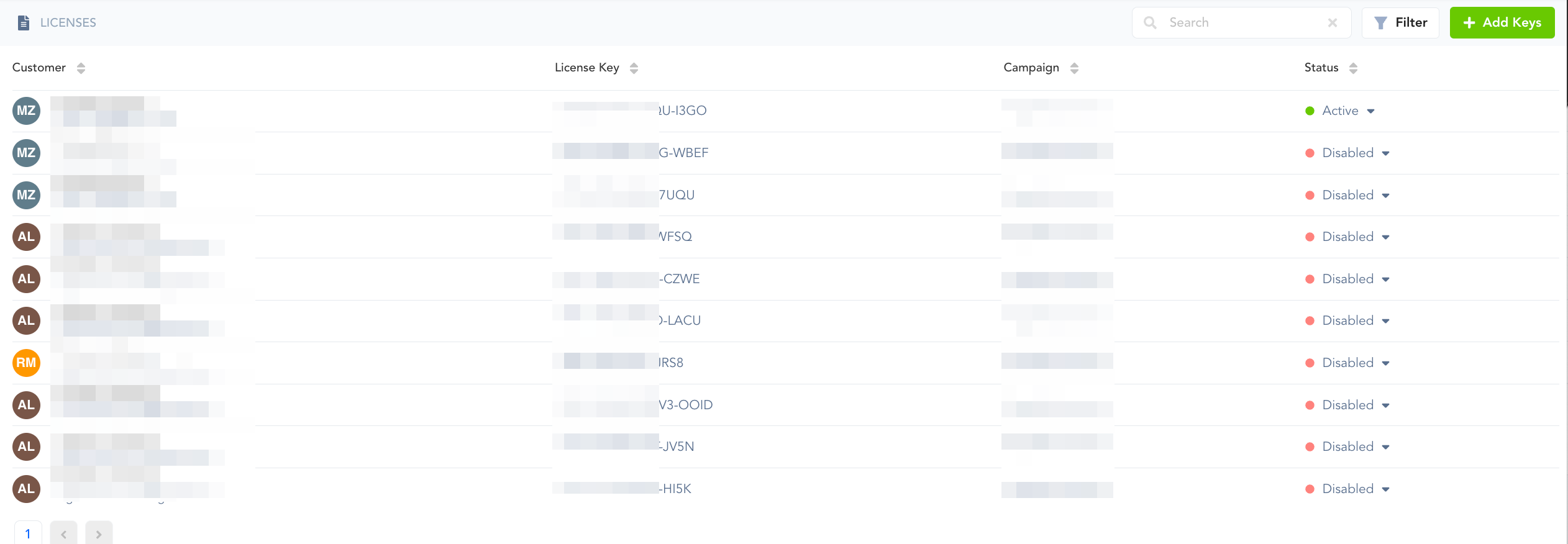
The license keys will automatically be created upon purchase of the product. To manage license keys, you will click on Tools > Licensing. This area is used to override license key statuses.
Was this helpful?
Still need help? Ask the team