Integrating with Teachable through Zapier
Written By Stefan S.
Last updated About 1 year ago
Requires Growth/Professional plan or higher for both PayKickstart and Teachable:
Follow the steps to integrate Teachable with PayKickstart via our Zapier integration:
Step 1: Set up your Teachable Account
Step 1: Set up your Teachable Account
First, you need to have a Teachable account and then create a Course.
Here’s a step-by-step guide on how to get started:
https://support.teachable.com/en/articles/11682451-create-and-set-up-your-course
Step 2: Set up Paykickstart
Step 2: Set up Paykickstart
Create a Campaign and add a Product in PayKickstart for that Course.
Now, you can integrate Zapier with PayKickstart.
Step 3: Create a Zap
Step 3: Create a Zap
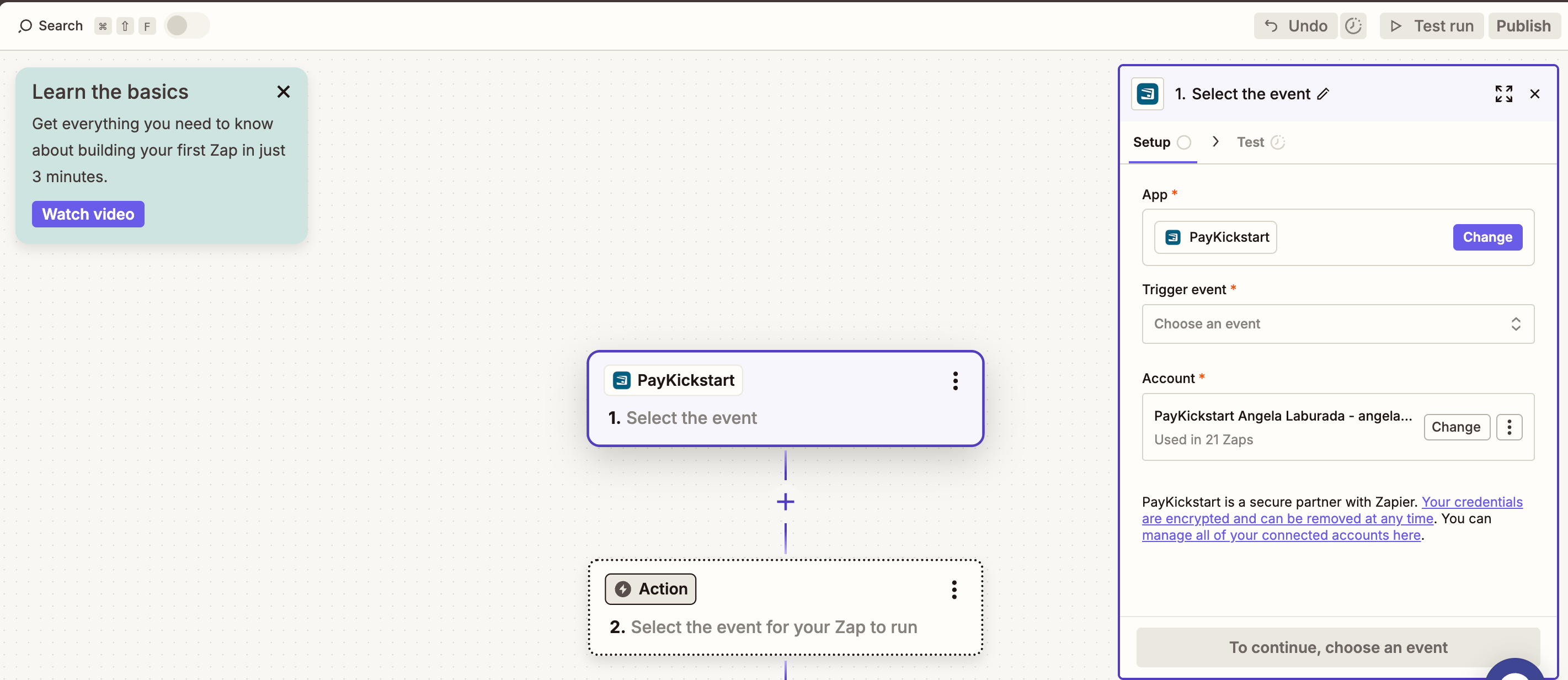
Once Zapier and PayKickstart are integrated, you can create a Zap that will trigger an action if a new order is placed through PayKickstart.
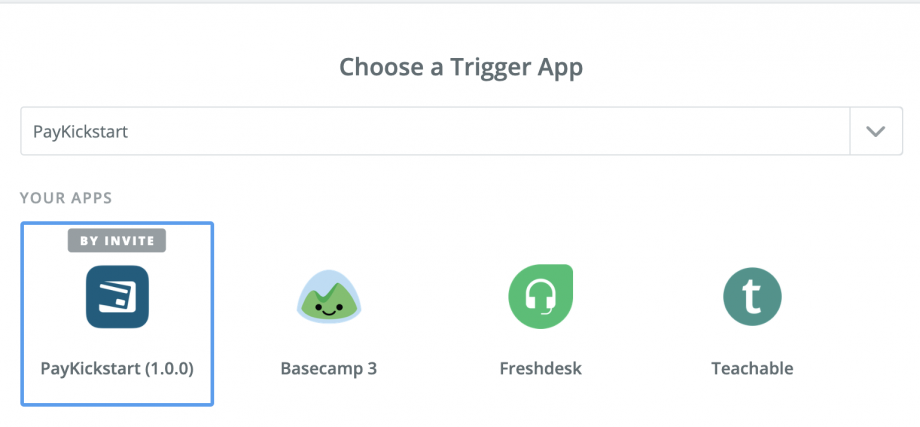
Searching and Selecting PayKickstart as the Trigger App
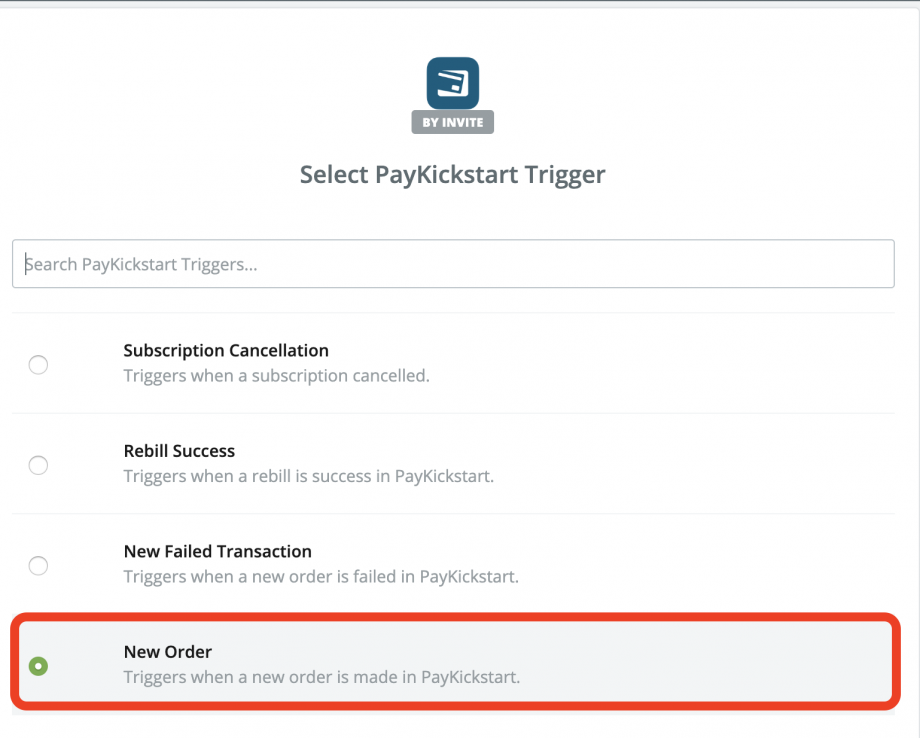
Selecting a Trigger for a New Order taking place through PayKickstart
Follow the Zapier steps to select the PayKickstart account, campaign, and product the Zap will be set up for.
PLEASE NOTE:
It is best to create one Zap per product to ensure the customer is given the correct course access in Teachable.
After clicking on the Save + Continue button, you’ll see a screen to test your PayKickstart Trigger by fetching a test order with test info generated.
Finally, you can create a new action to Enroll Users with the Teachable integration Zapier has to offer. Please refer to the following article for more information: https://zapier.com/help/teachable/#supported-actions
After the customer purchases the related product, we will send the data to Zapier, and Zapier will then use the action in the Zap to enroll the user in the related Teachable course.
Was this helpful?
Still need help? Ask the team