How to Enable Billing Reminder Email Notification
Written By Stefan S.
Last updated About 1 year ago
To help minimize refunds and chargebacks, send a friendly billing reminder to your customers, giving them a heads-up that they are going to be charged for your product/service in X days.
Easily specify how many days before the charge takes place, the email should be sent out.
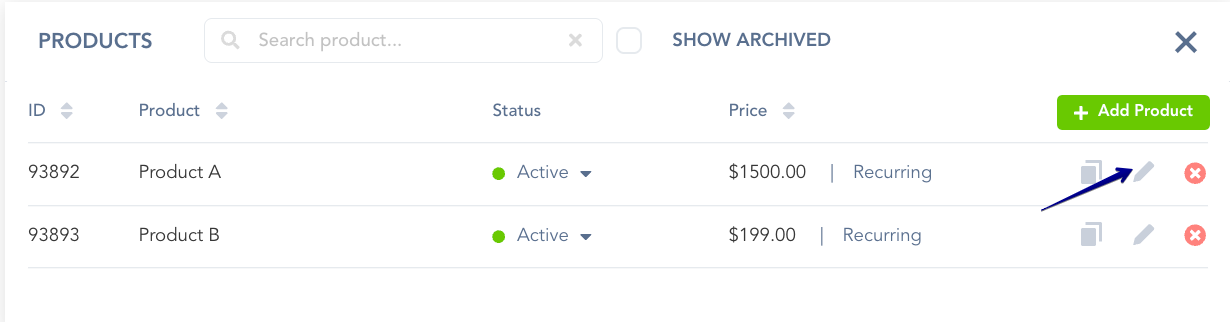
Step 1: Access the Product Settings
Step 1: Access the Product Settings

Step 2: Enabling the Billing Reminder Email Notification
Step 2: Enabling the Billing Reminder Email Notification
In the Communication tab, you’ll find two toggle switches.
Enable the first toggle switch (Trial Reminder), if you wish to send the reminder before the trial expires, and/or the second toggle switch (Subscription Rebill) to send the email reminder before rebills occur.
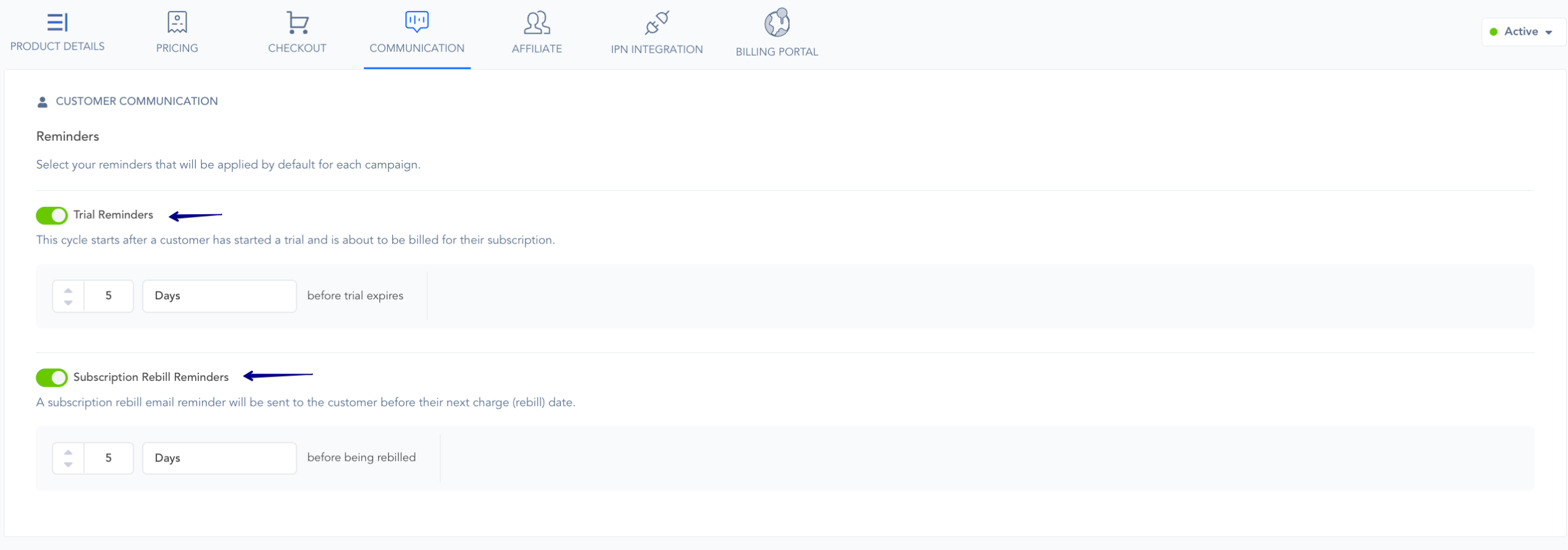
You can then specify how many days in advance the reminders should be sent before the trial ends or before the rebill date.
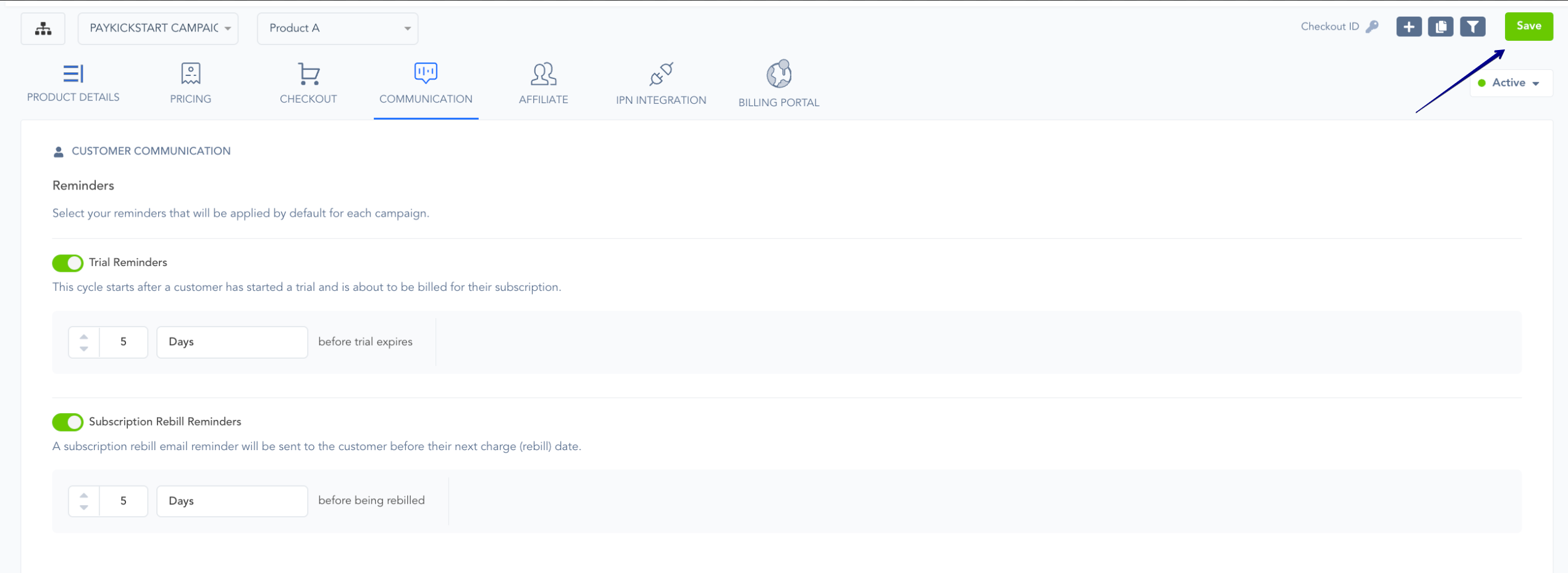
To save the changes, please click on the Save button in the top-left corner of the page.
Was this helpful?
Still need help? Ask the team