How to Enable a Duplicate Purchase Warning or Block
Written By Stefan S.
Last updated About 1 year ago
PayKickstart has built-in features to prevent customers from purchasing a product twice.
When a customer enters their email address, PayKickstart will check to see if they have already purchased this product before. If the customer has purchased the product before, PayKickstart will show a duplicate purchase warning or block depending on your settings.
Enabling Duplicate Purchase Warning or Block
Step 1: Locate the campaign you want to set this warning or purchase block with and access the related campaign settings.

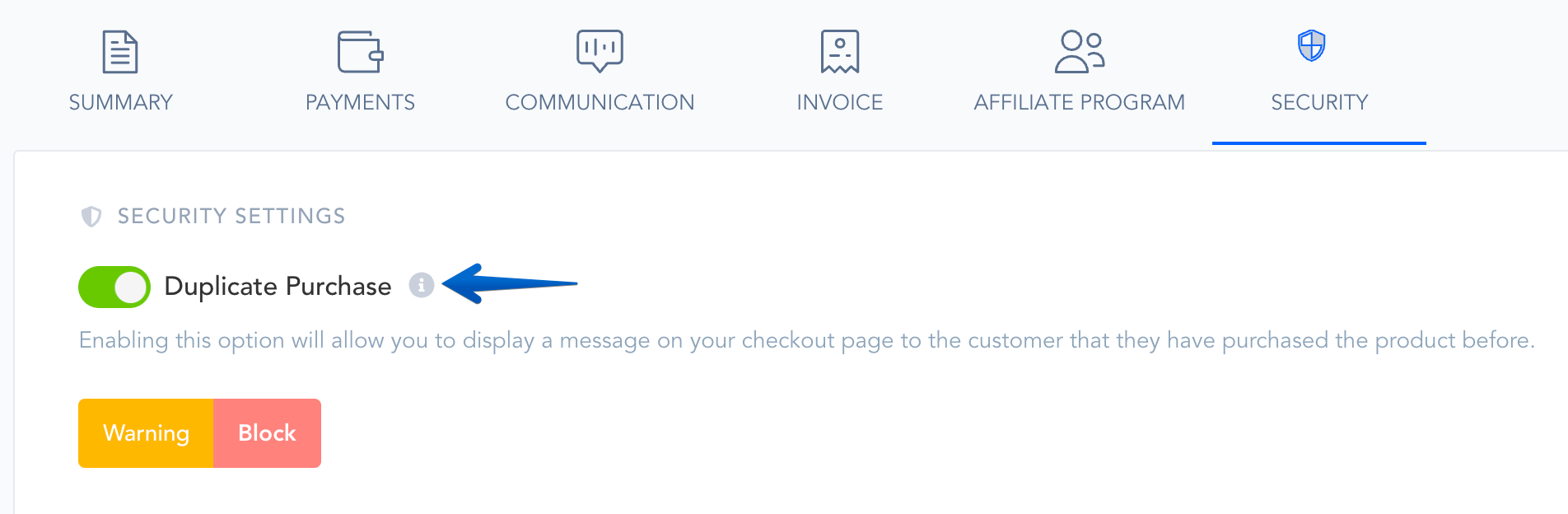
Step 2: Inside the specific campaign settings, locate the duplicate purchase field and enable the Warning or Block feature.
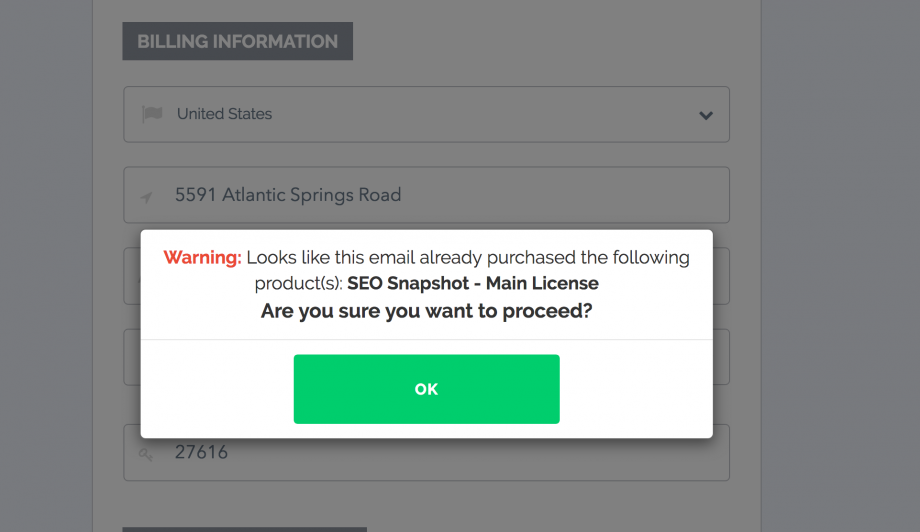
Warning pop-up:
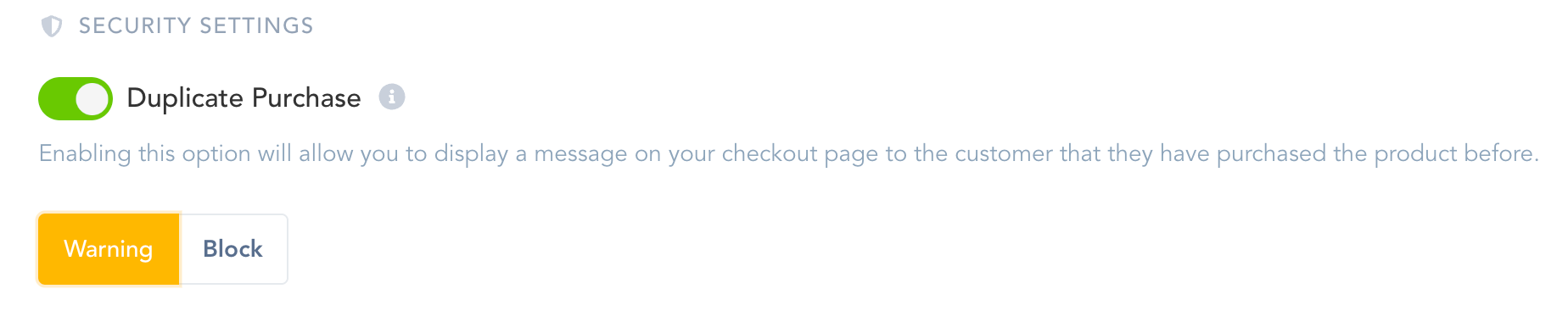
The warning option will warn customers that they have purchased the product in the past, but can purchase it again if they would like.
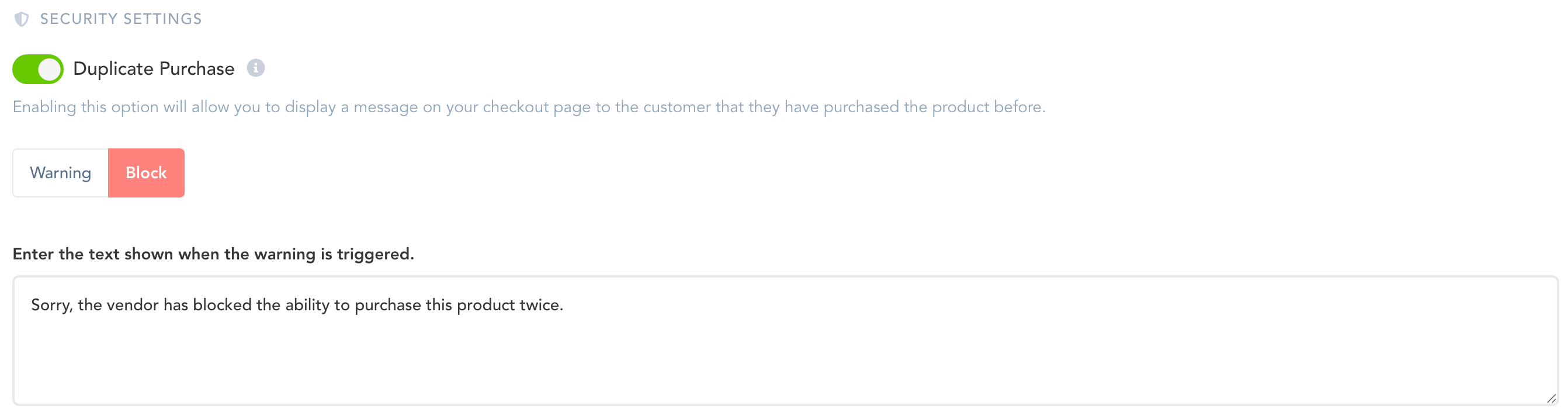
Block Purchase pop-up:
Vendors can also completely block the duplicate purchase of the product if needed. Vendors can also add a message and set a time length(in minutes) for how long they want to block the duplicate product purchase for customers.
Important Notes
If a customer’s transaction status is Pending, the Block Duplicate Purchase option would not block their purchase attempts until the first transaction is successfully processed.
If a customer canceled their previous subscription, they would be able to make another purchase if you are permanently blocking duplicate purchases. They would not be able to make a purchase while their subscription related to the product is Active.
We recommend enabling both, the Warning and the Block feature, if you wish to notify customers they have already made a purchase of the product.
Was this helpful?
Still need help? Ask the team