How to Update a Customer's Information?
Written By Stefan S.
Last updated 11 months ago
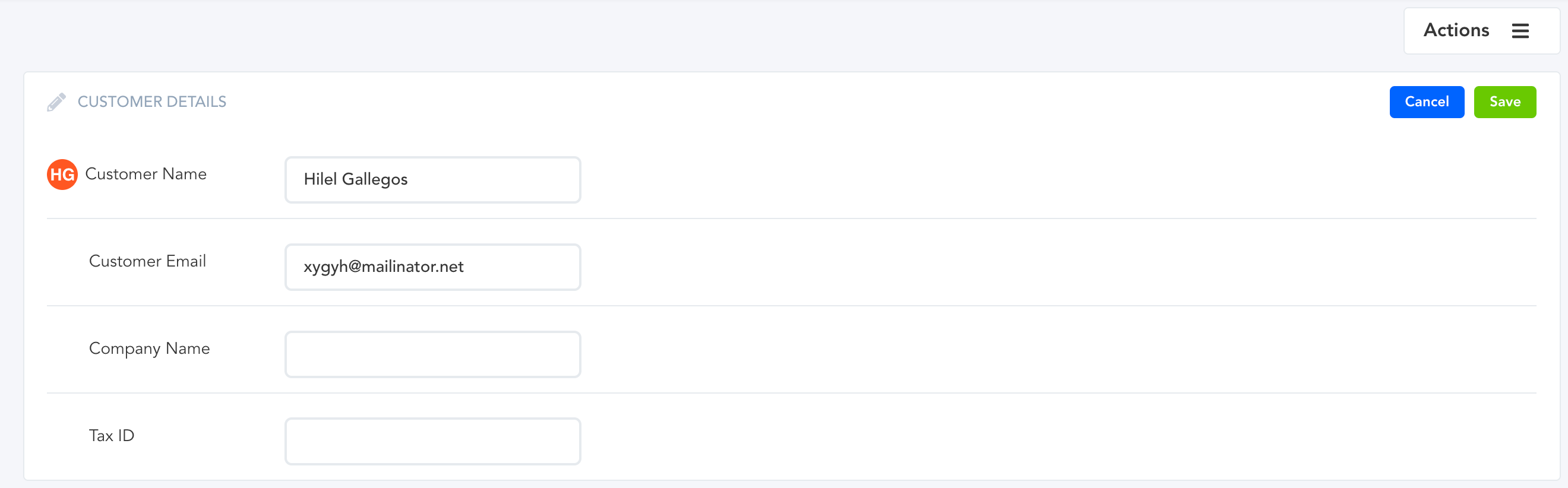
When a customer makes a typo during the checkout process or needs to update their customer details, you can go in and edit/update their customer information.
There are two ways to do this…
Option 1:
Go to Payments → Transactions/Subscriptions and open the details modal.
From there, you will be able to hover over the editable field and click on it to make it editable.
Option 2:
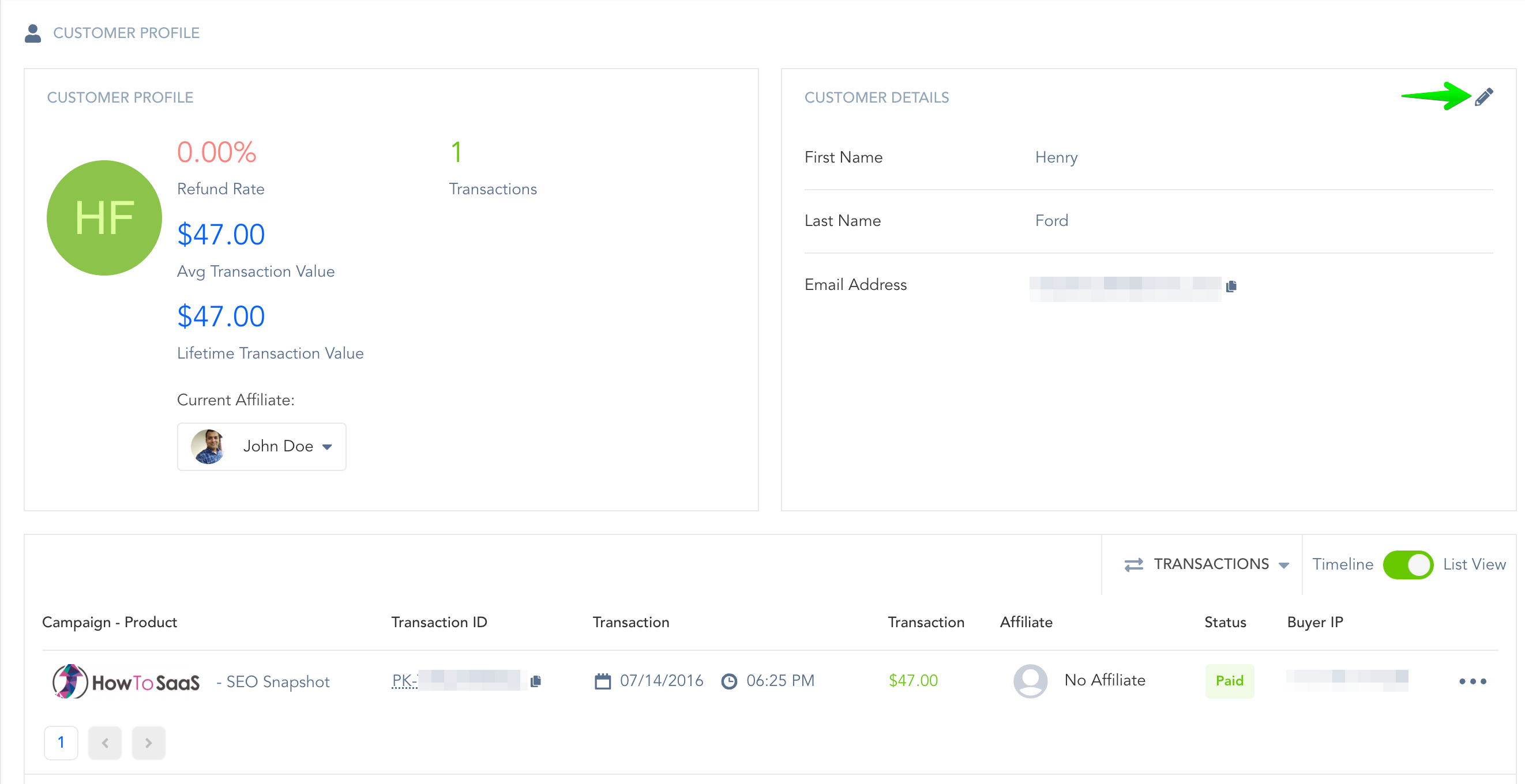
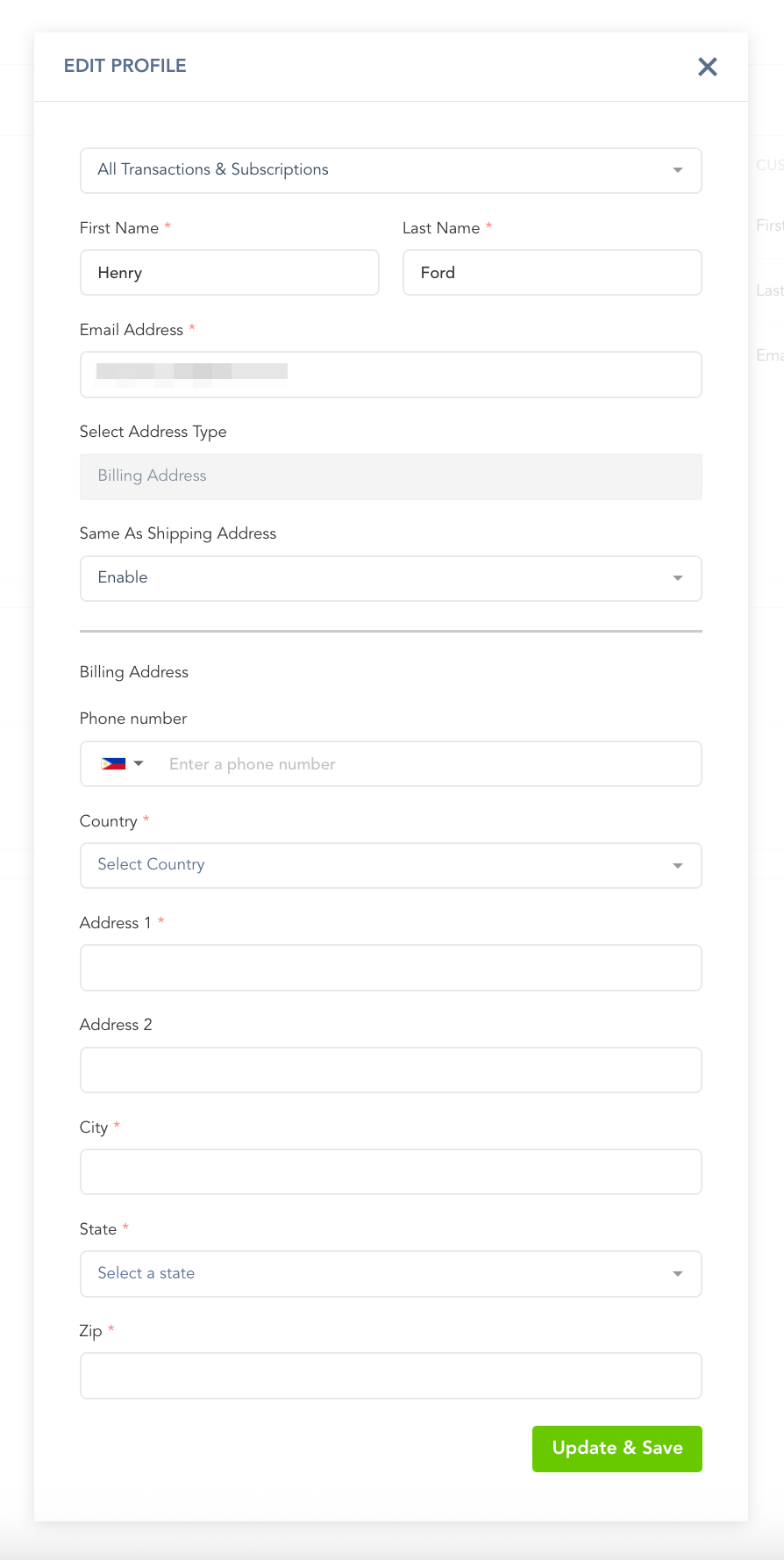
Customer Billing Portal: Self-Service Option
Customers also have the ability to manage their information directly via the Customer Billing Portal.
This includes editing their:
Email Address
Billing Address
Shipping Address
Tax ID (where applicable)
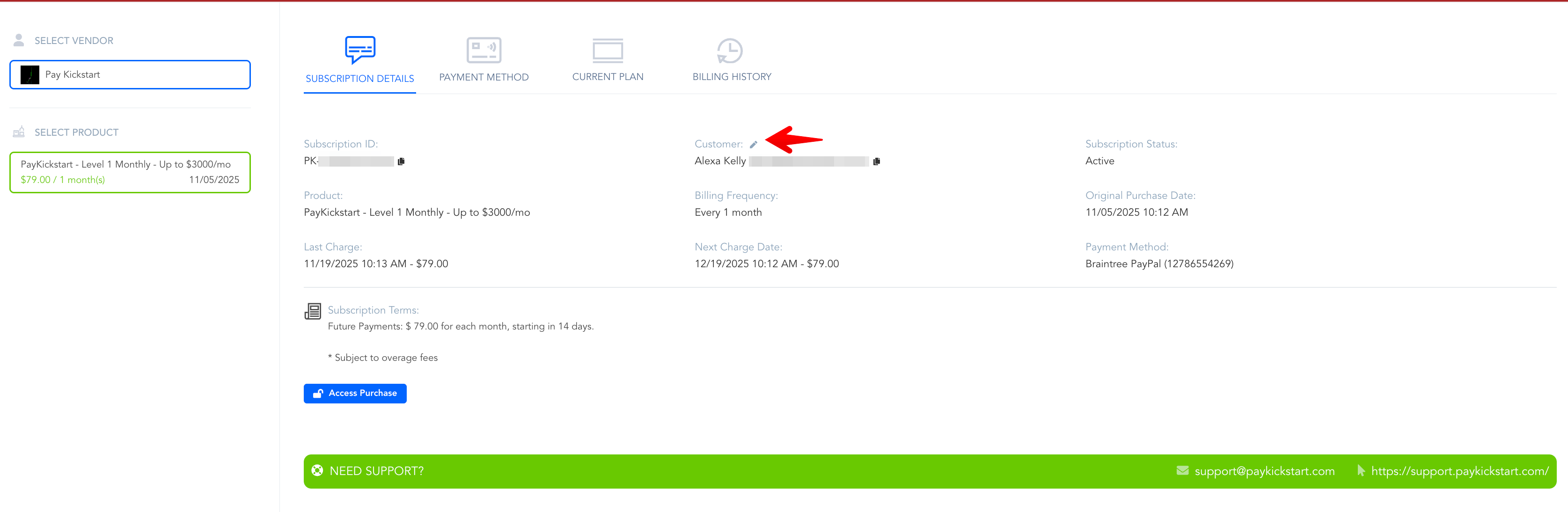
Optionally, you will have the option to re-fire all transactional events (email, webinar, membership, fulfillment) so the customer receives all of their logins and access to their proper email address.
Was this helpful?
Still need help? Ask the team