How to Override Landing Page, Price & Commission for an Affiliate
Written By Stefan S.
Last updated About 1 year ago
Instead of cloning an entire Campaign or Funnel to accommodate a certain affiliate(s), you can simply override the settings on a per-affiliate basis. Change the Landing Page, Pricing, 1st and 2nd tier Commission Percentage.
NOTE:
IF you are overriding the 2nd tier commission for an affiliate, you must perform this 2nd tier commission override via the main affiliate(1st tier affiliate).
Step 1: Go to Affiliates → Affiliates, then find the affiliate and click the Edit icon.

Step 2: Find the Campaign that you want to override and click the Commission Overrides button.

Step 3: Choose the Funnel that you want to override and click the “Edit” icon.
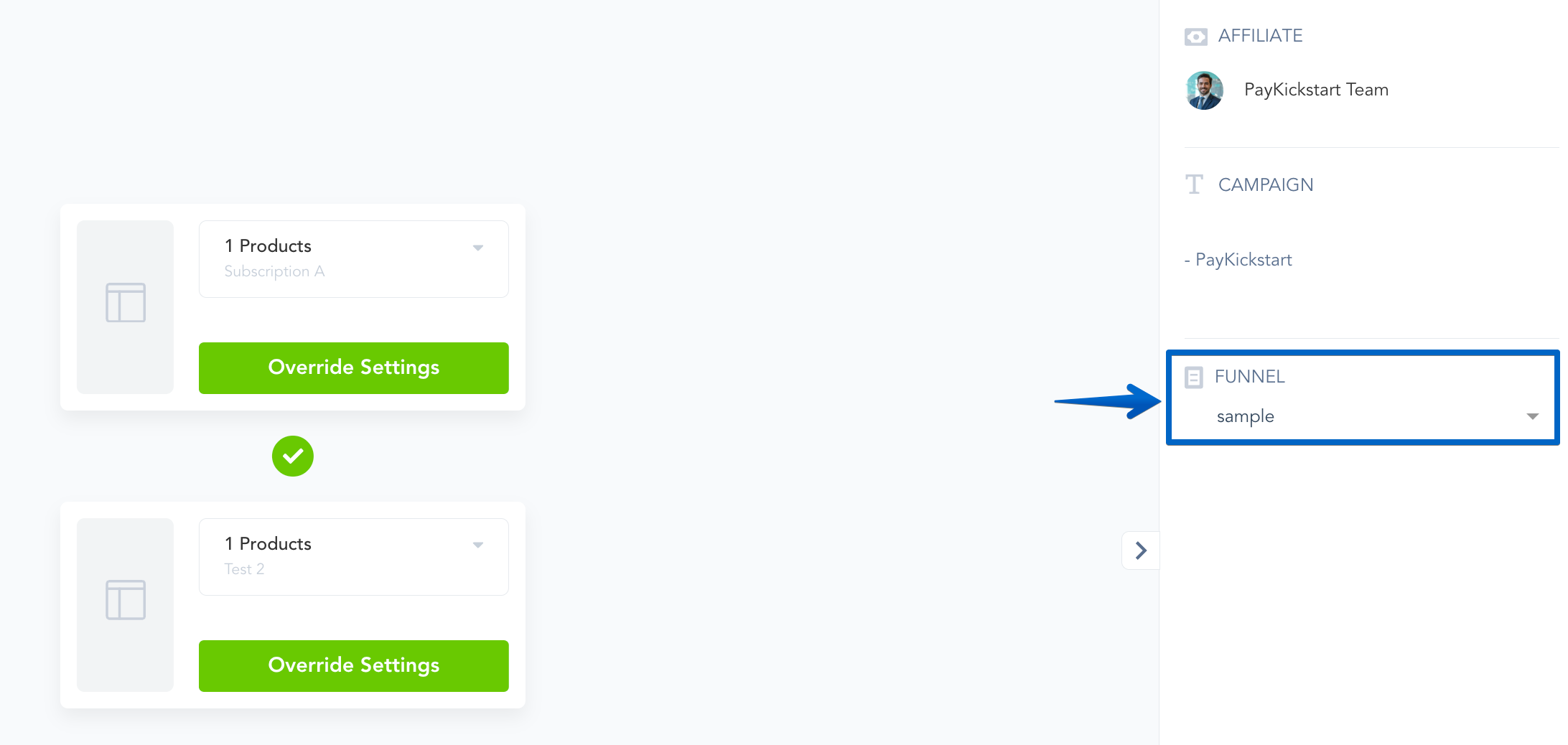
Step 4: Click “Override Settings” and specify the Landing Page, Price, and/or Commissions for this affiliate you want to change.
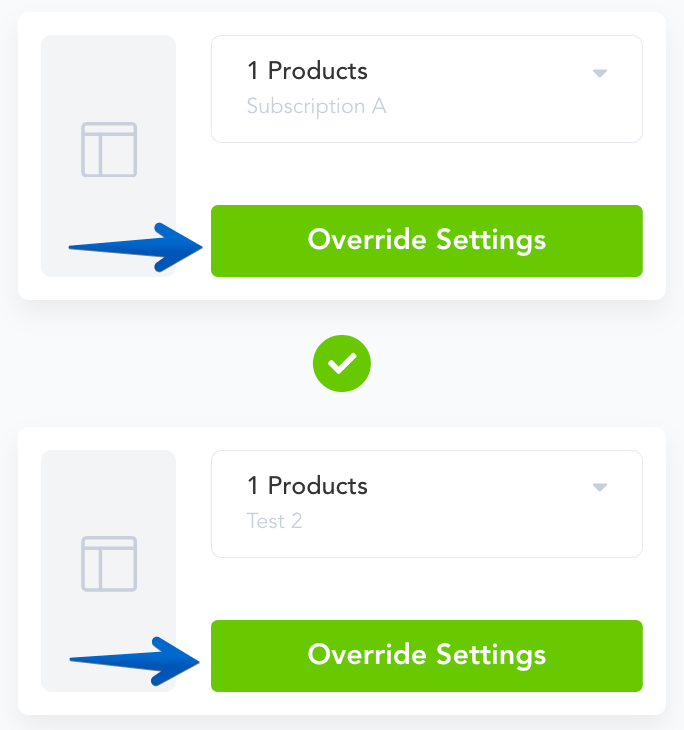
Now the affiliates tracking link will redirect to the new Landing Page & Price you specified.
PLEASE NOTE: If you are trying to set a 2nd-tier commission percentage for a 2nd-tier affiliate to receive, please add the 2nd-tier override percentage to that 2nd-tier affiliate’s override settings.
In case multiple products are selected within the same funnel step, the overridden values would apply to all products selected within the funnel step.
Was this helpful?
Still need help? Ask the team