Adding a Legal TOS or Disclaimer to Your Checkout Page
Written By Angela L
Last updated Over 1 year ago
You can require a potential customer to accept any legal terms of service, privacy policy, disclaimer, or anything you would like, before they are able to purchase your product.
To enable this feature, go to Campaigns → Product → Checkout

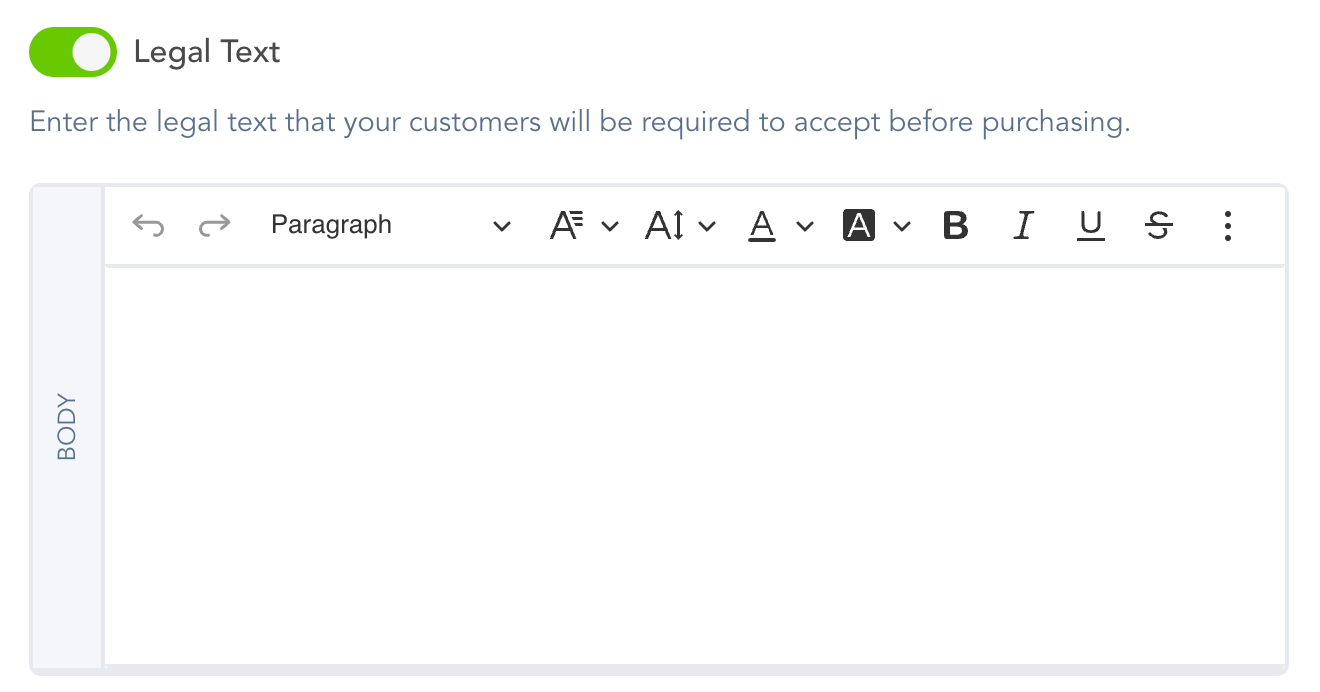
Once enabled, it will display on your checkout page, like this:
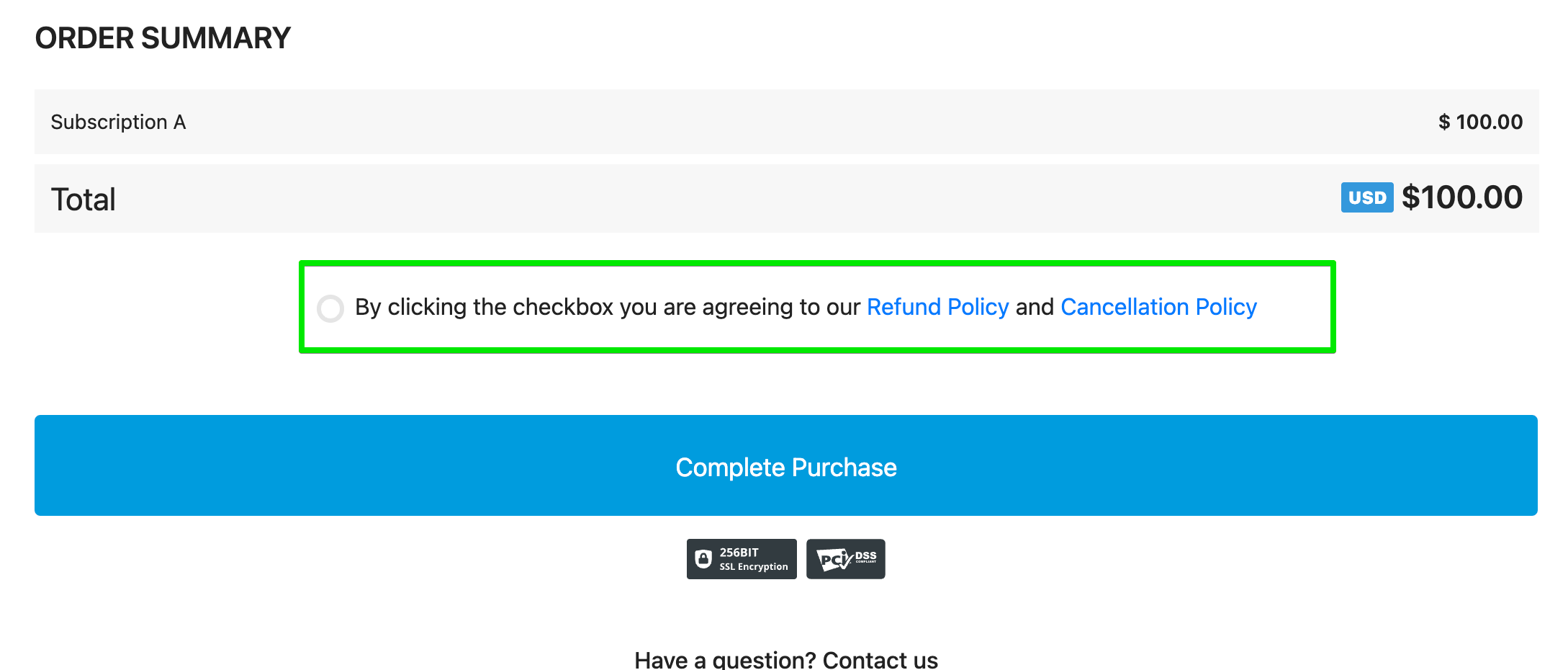
Legal Acceptance Log Entry:
For additional security, vendors can also see a log of the customer’s acceptance of the legal checkbox by viewing the customer’s transaction details for the customer’s original purchase.
Was this helpful?
Still need help? Ask the team