How to Set Up Tracking IDs for Affiliate Links
Written By Stefan S.
Last updated About 1 year ago
PayKickstart offers affiliates the ability to setup tracking IDs to the end of your affiliate links if they would like.
This is particularly handy when you are running multiple promotions for a product in many places, such as Facebook, websites, or an email list. It will allow you to keep track of where your traffic is coming from by using tracking IDs.
Take your affiliate link and add ?tid= then whatever the traffic source is.
For example: http://paykstrt.com/3043/137?tid=facebook
Other examples:
?tid=facebook-post
?tid=facebook-ad
?tid=facebook-whateveryouaretracking
NOTE:
This data ONLY shows in the affiliate account for now, it is NOT passed to vendor traffic reports.
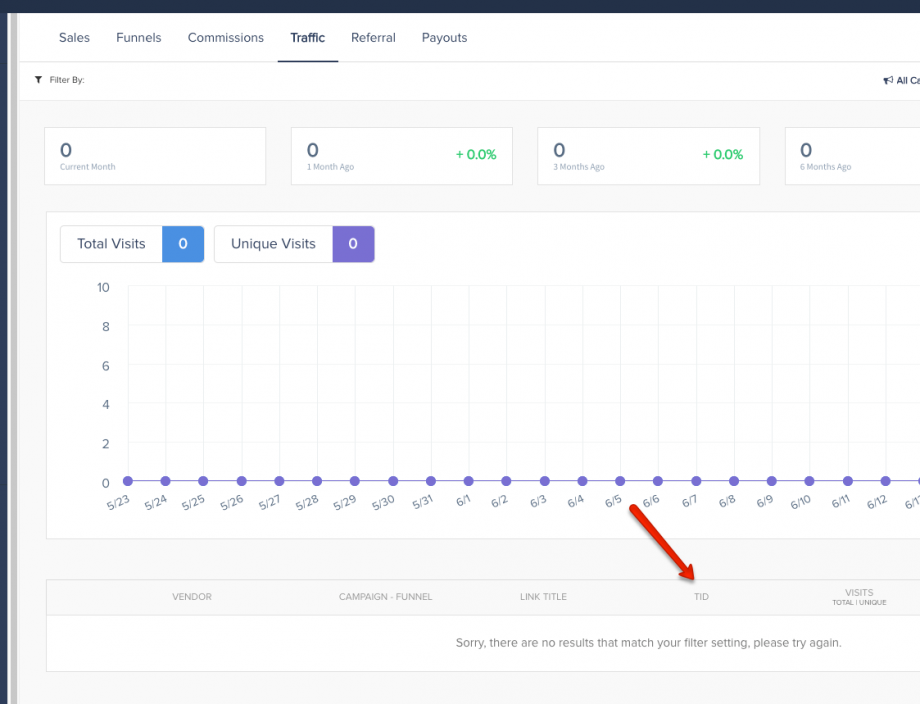
You can monitor your tracking ID-related traffic metrics under Reporting → Traffic.
Was this helpful?
Still need help? Ask the team