How to Manually Add More License Keys for a Customer?
Written By Stefan S.
Last updated About 1 year ago
If you would like to manually add additional license keys to a customers transaction, you can do that easily inside PayKickstart.
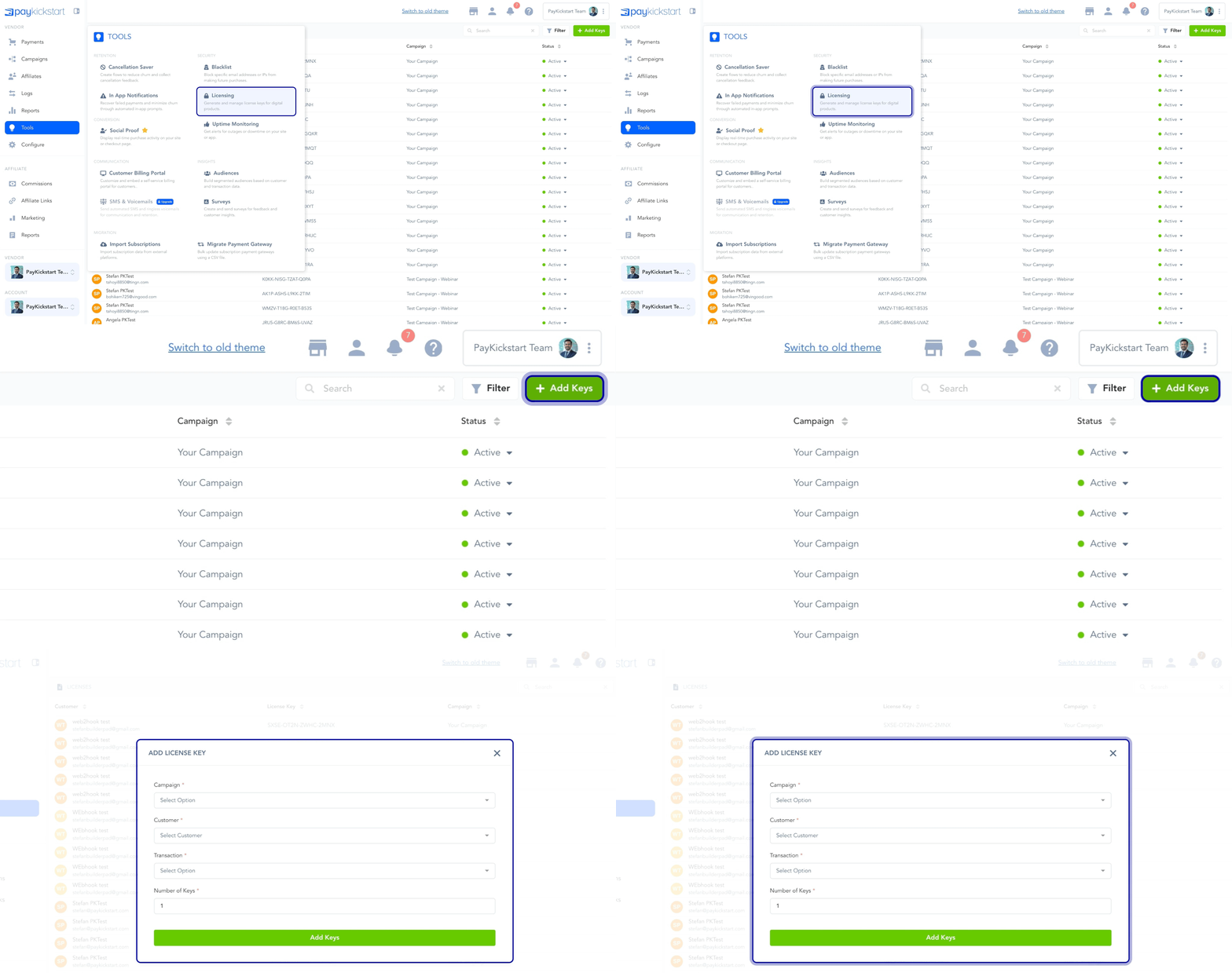
Go to Tools -> Licensing, then click on Add Keys.
Go through the wizard by picking the Campaign, Customer, specific Transaction, and how many keys you would like to add.

Was this helpful?
Still need help? Ask the team