Authorize.net Error: Access denied. You do not have permission to call the Transaction Details API
Written By Carlos
Last updated About 1 year ago
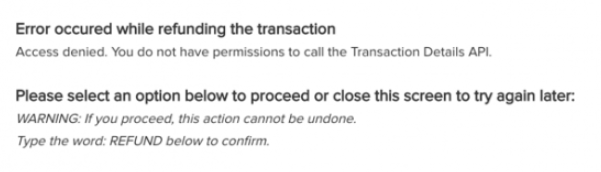
If you receive the following error with an AuthorizeNet transaction during a refund, please follow the steps from AuthorizeNet below.
Enabling the API
To enable the Transaction Details API:
1. Log on to the Merchant Interface at https://account.authorize.net.
2. Select Settings under Account in the main menu on the left.
3. Click the Transaction Details API link in the Security Settings section. The Transaction Details API screen opens.
4. If you have not already enabled the Transaction Details API, enter the answer to your Secret Question, then click Enable Transaction Details API.
Was this helpful?
Still need help? Ask the team